 Harlow
Your Jellyfin music, on the road.
Harlow brings the music library of your own Jellyfin server into your car's media center. Browse, search and play by touch or voice, built for Android Automotive OS.
- Android Automotive OS
- Jellyfin
- No tracking
- No ads
Features
Harlow is a media app: the vehicle's media center draws browsing and playback, so Harlow looks and behaves like the rest of the car and stays usable while driving.
Built into the media center
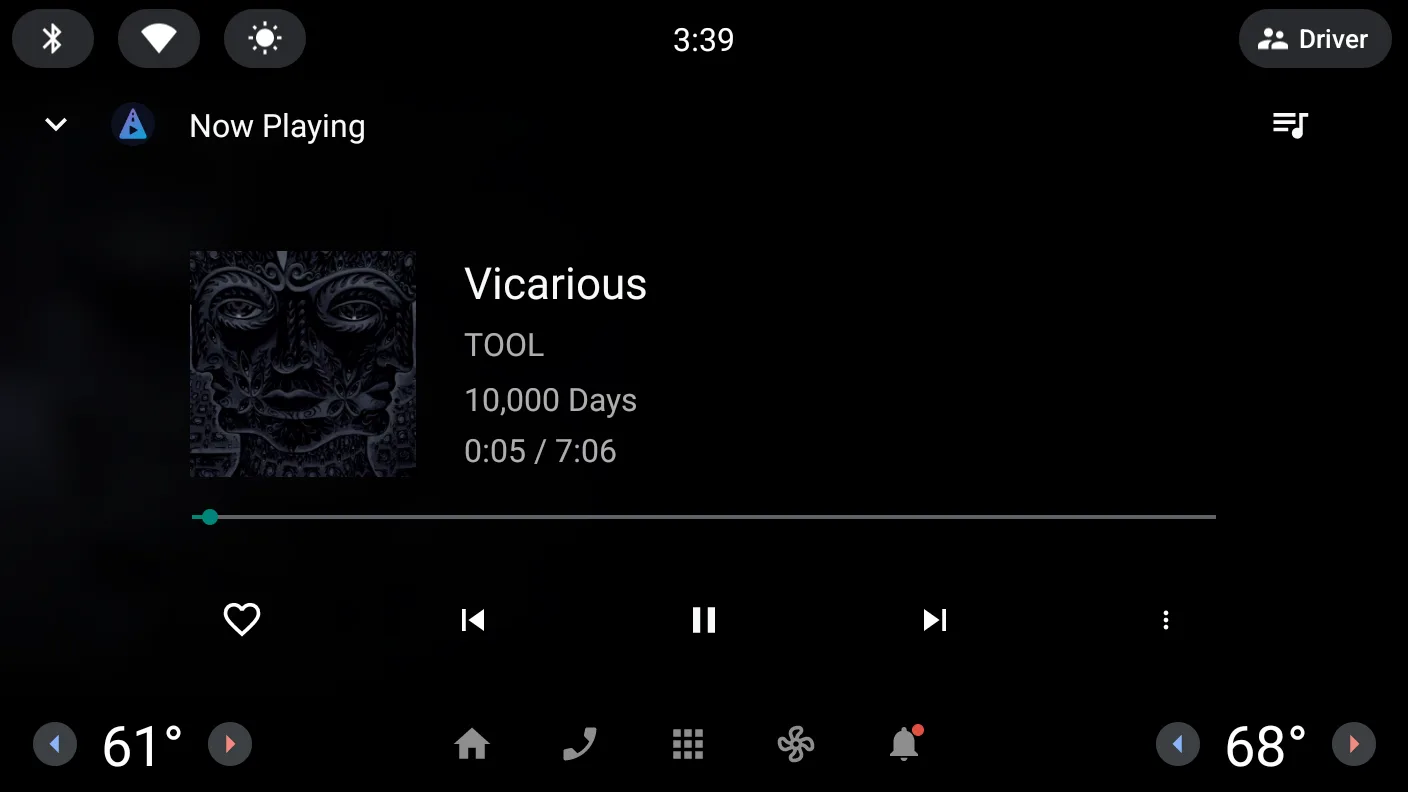
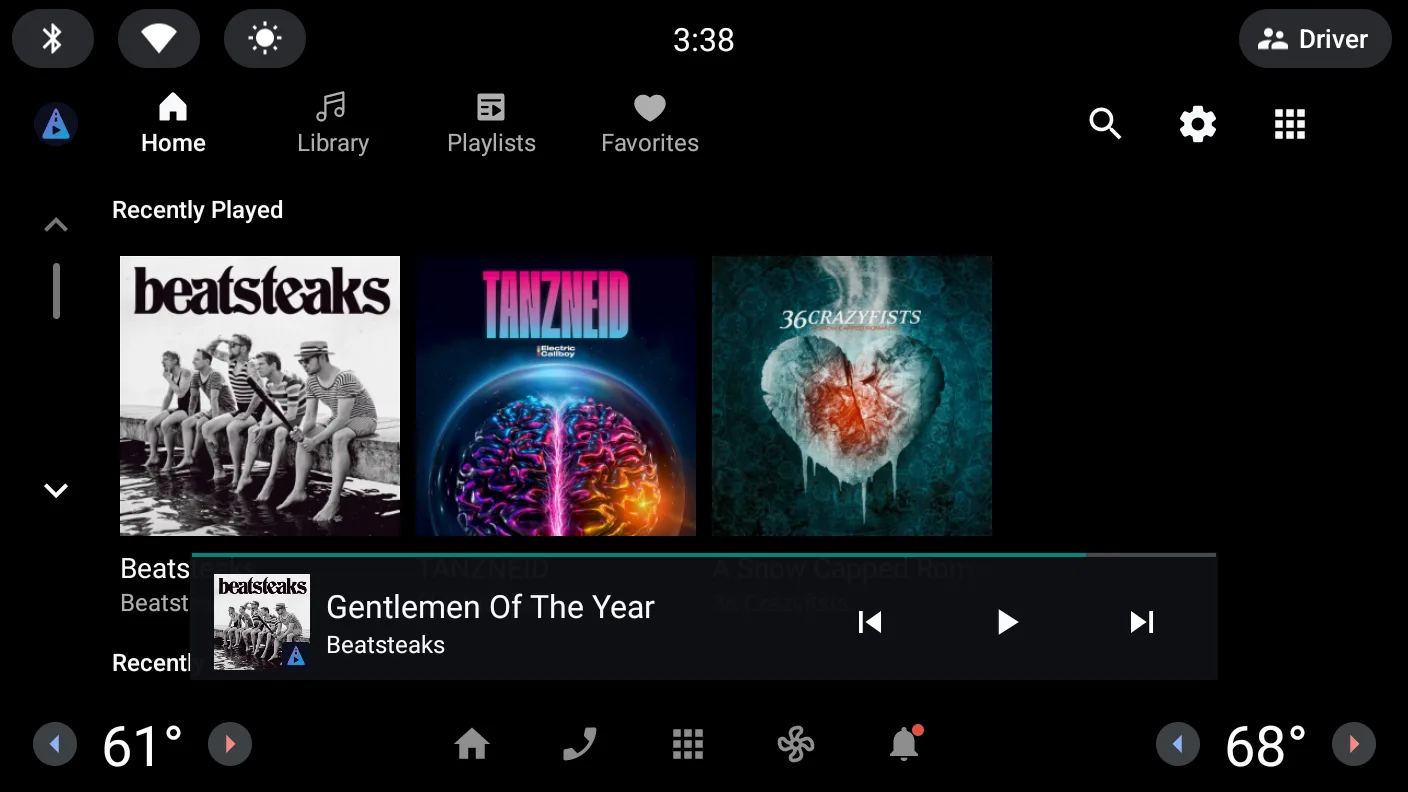
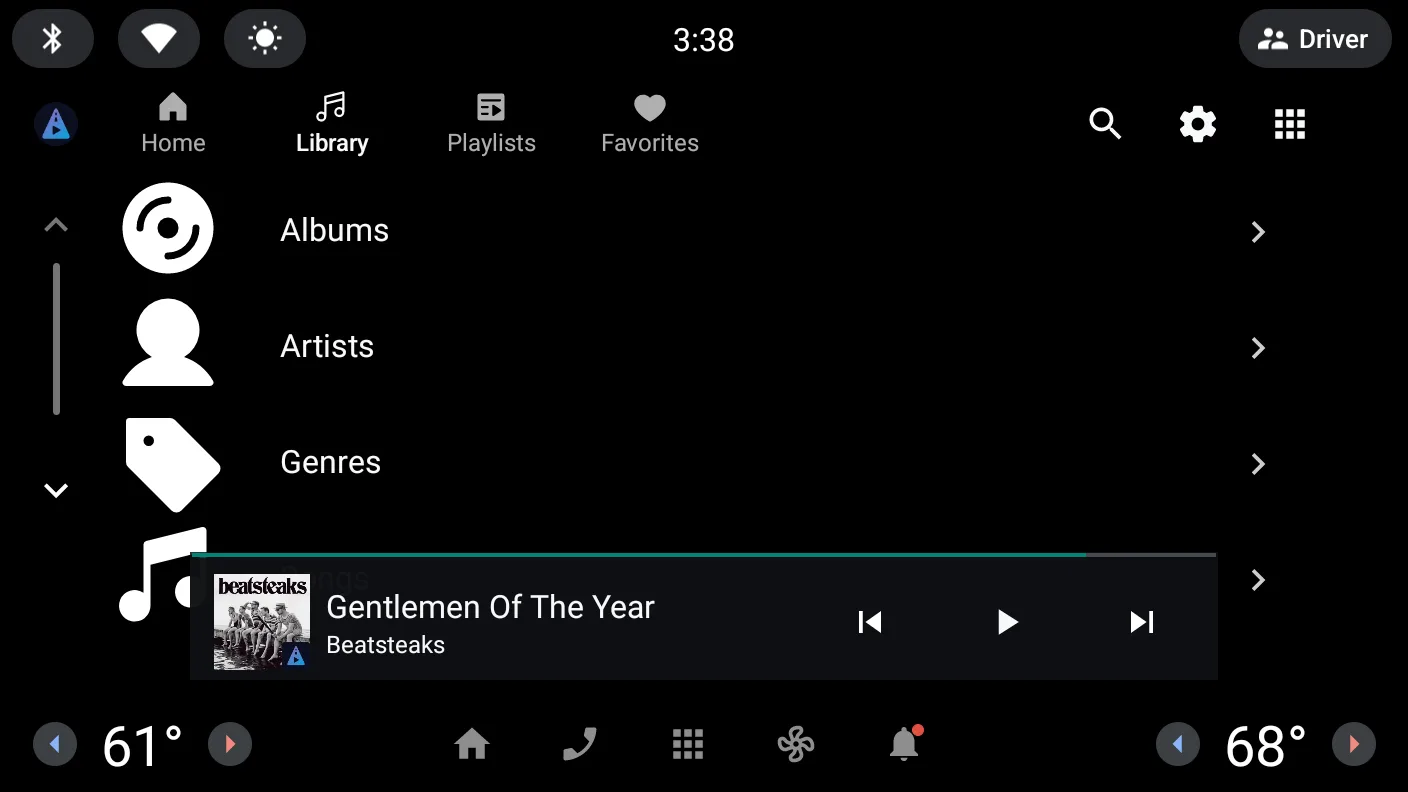
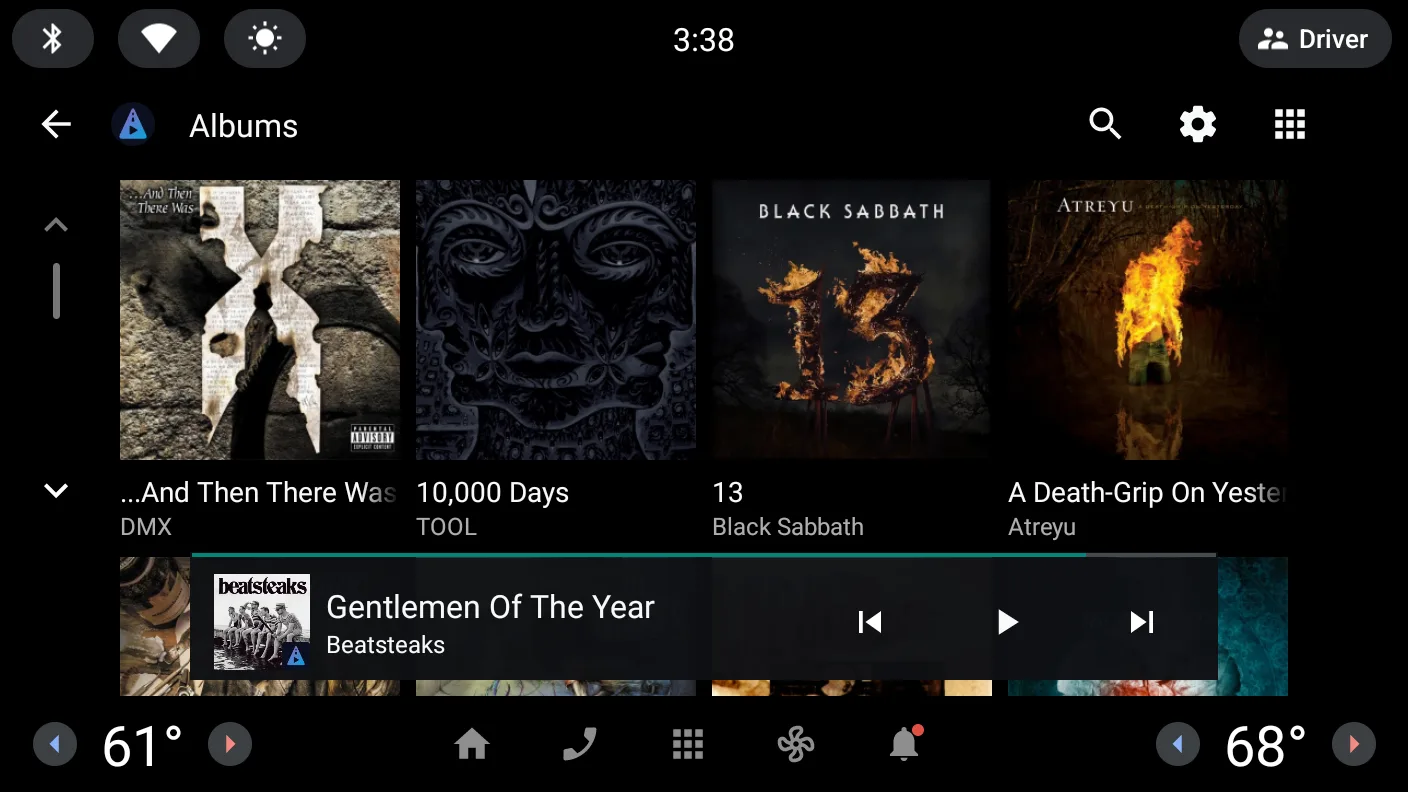
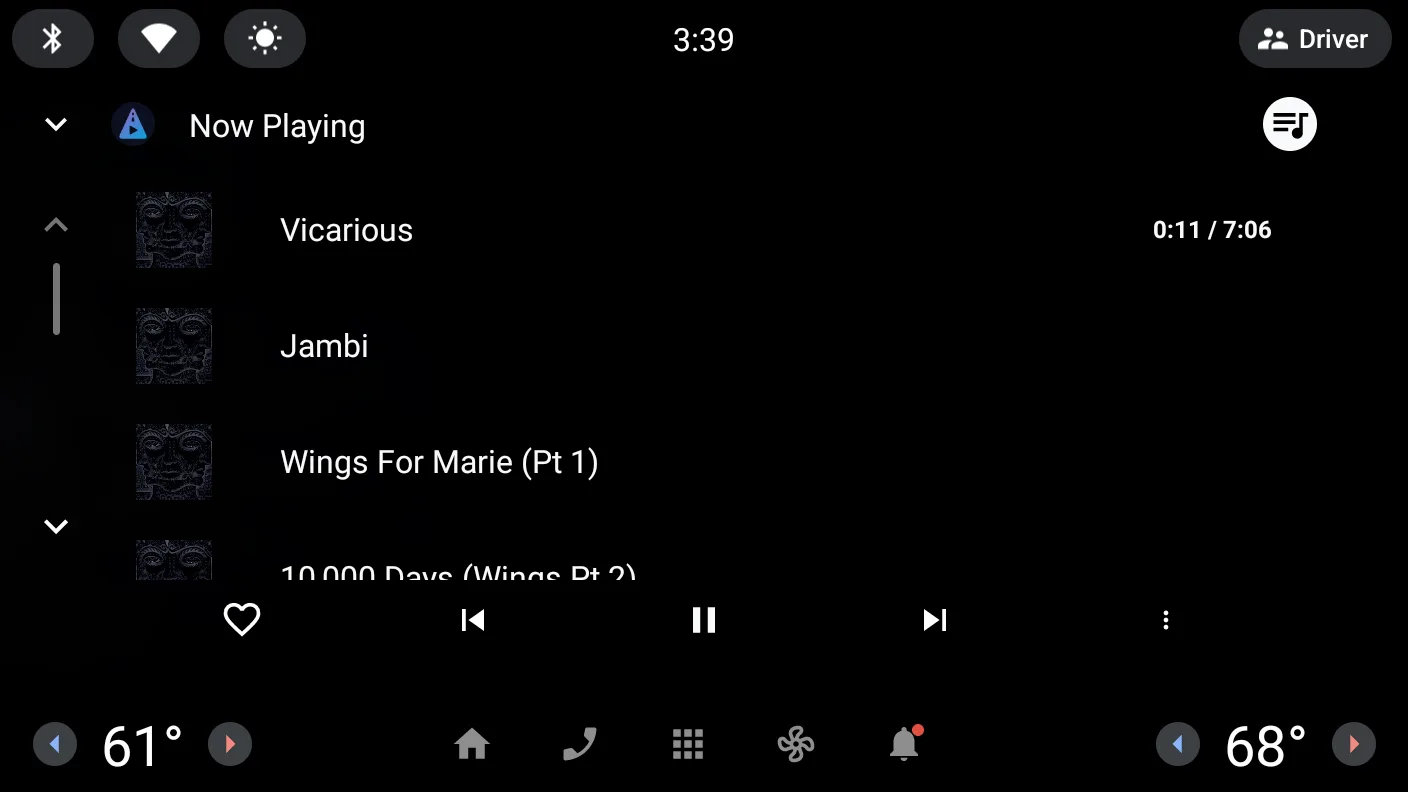
Four tabs (Home, Library, Playlists, Favorites) with cover art, mini player and Now Playing. Harlow has no screens of its own while driving.
Your whole library
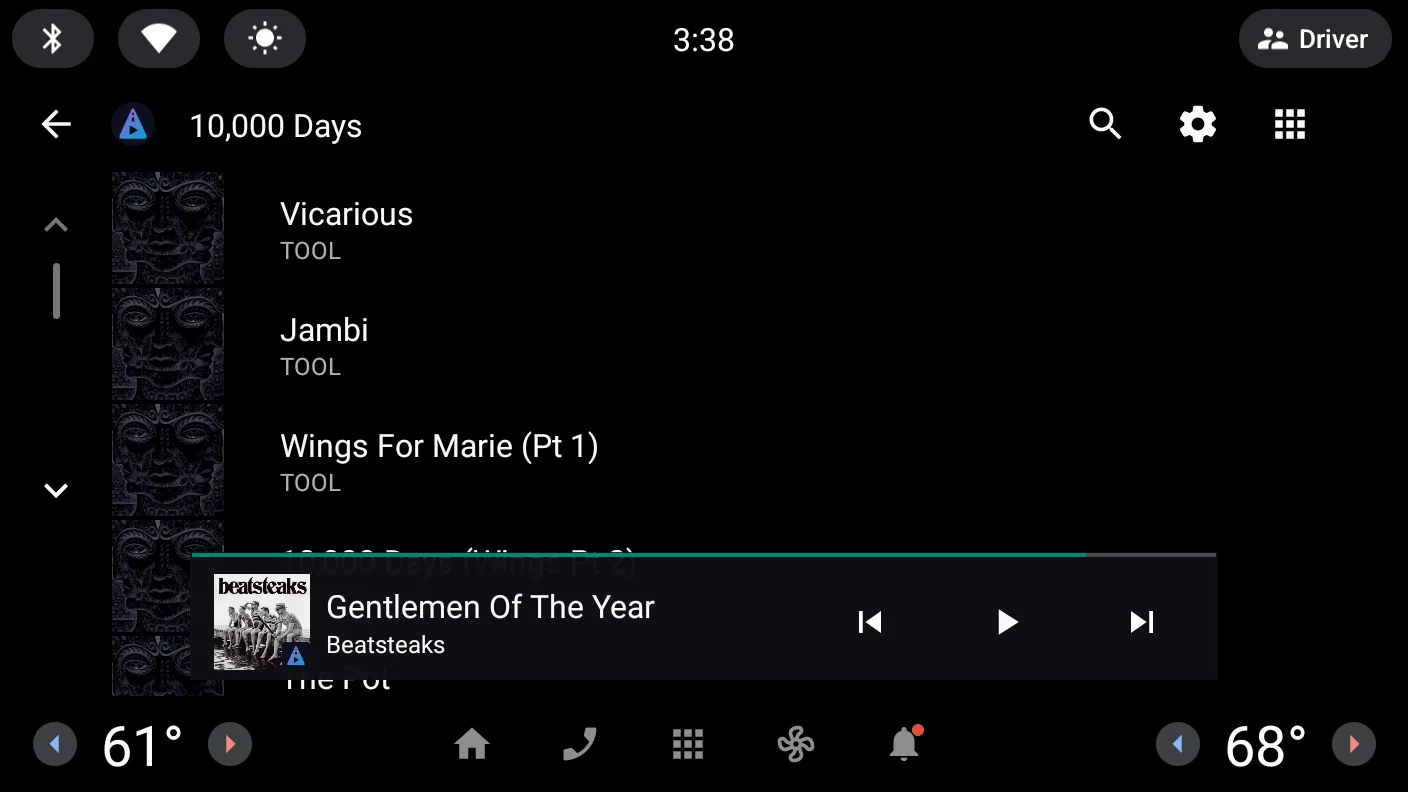
Albums, artists, genres, songs and playlists from your Jellyfin server. Home shows recently played, recently added and most played albums.
Search and voice
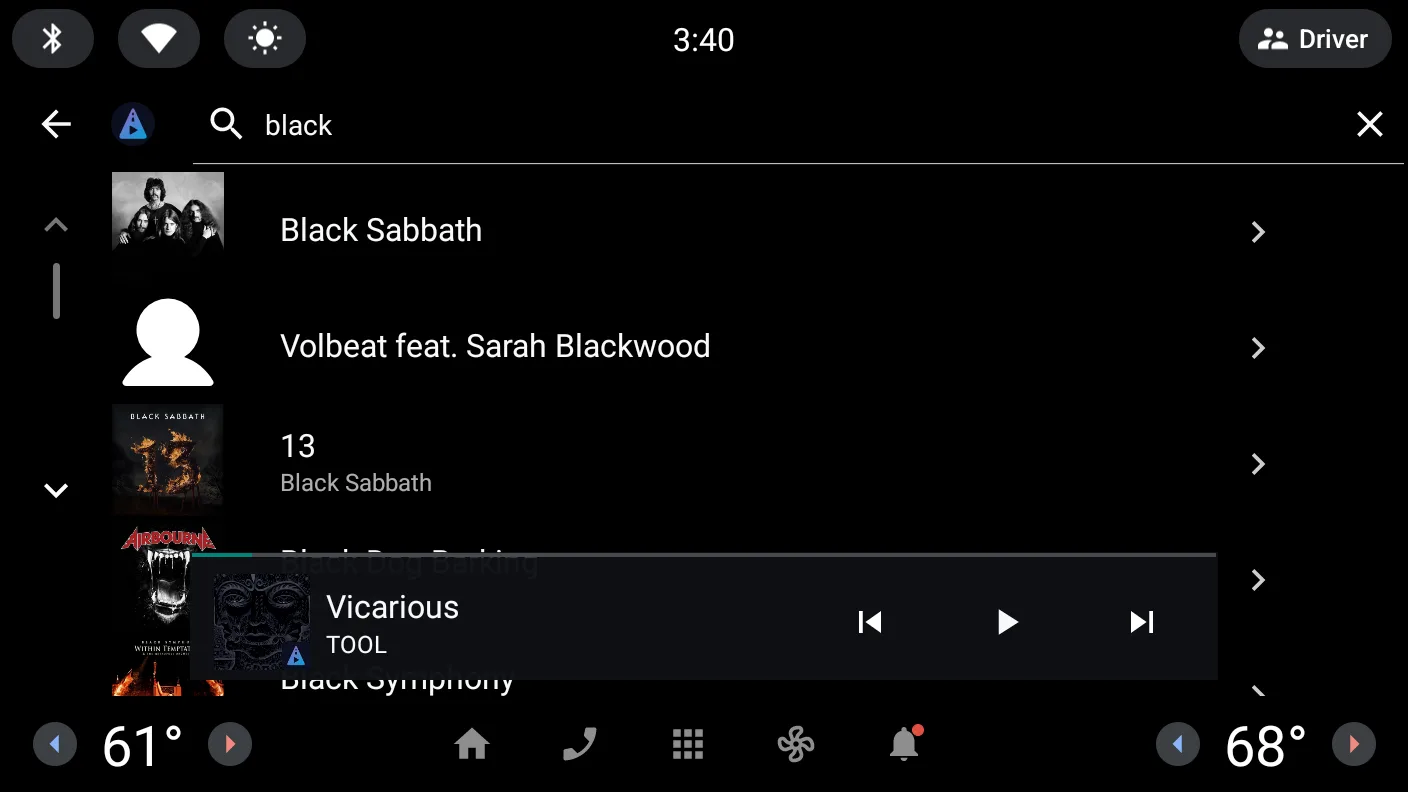
Search artists, albums and songs in the media center, or say “play <album> by <artist>” to the car's voice assistant.
Favorites, shuffle, repeat
Mark a song as favorite right from Now Playing; it syncs to Jellyfin. Shuffle and repeat are in the player's menu, the queue is one tap away.
Fast and offline-first
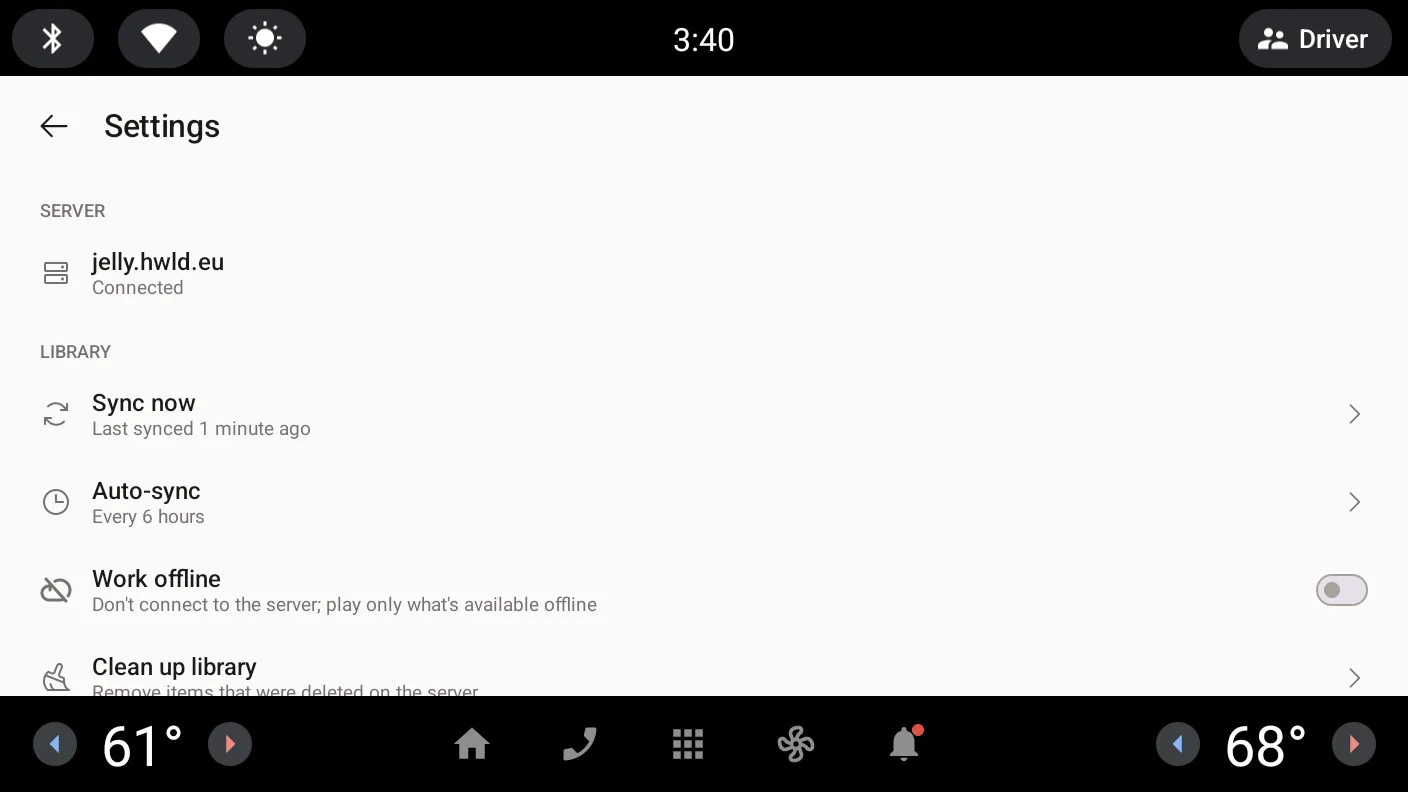
The library is synced to the car and browsed locally, cover art is cached. Lists open instantly, even on a weak mobile connection.
Picks up where you left
The last queue comes back after the car restarts, paused, never playing on its own. Playback is reported to Jellyfin, so play counts and “recently played” stay in sync.
Sign in from the car
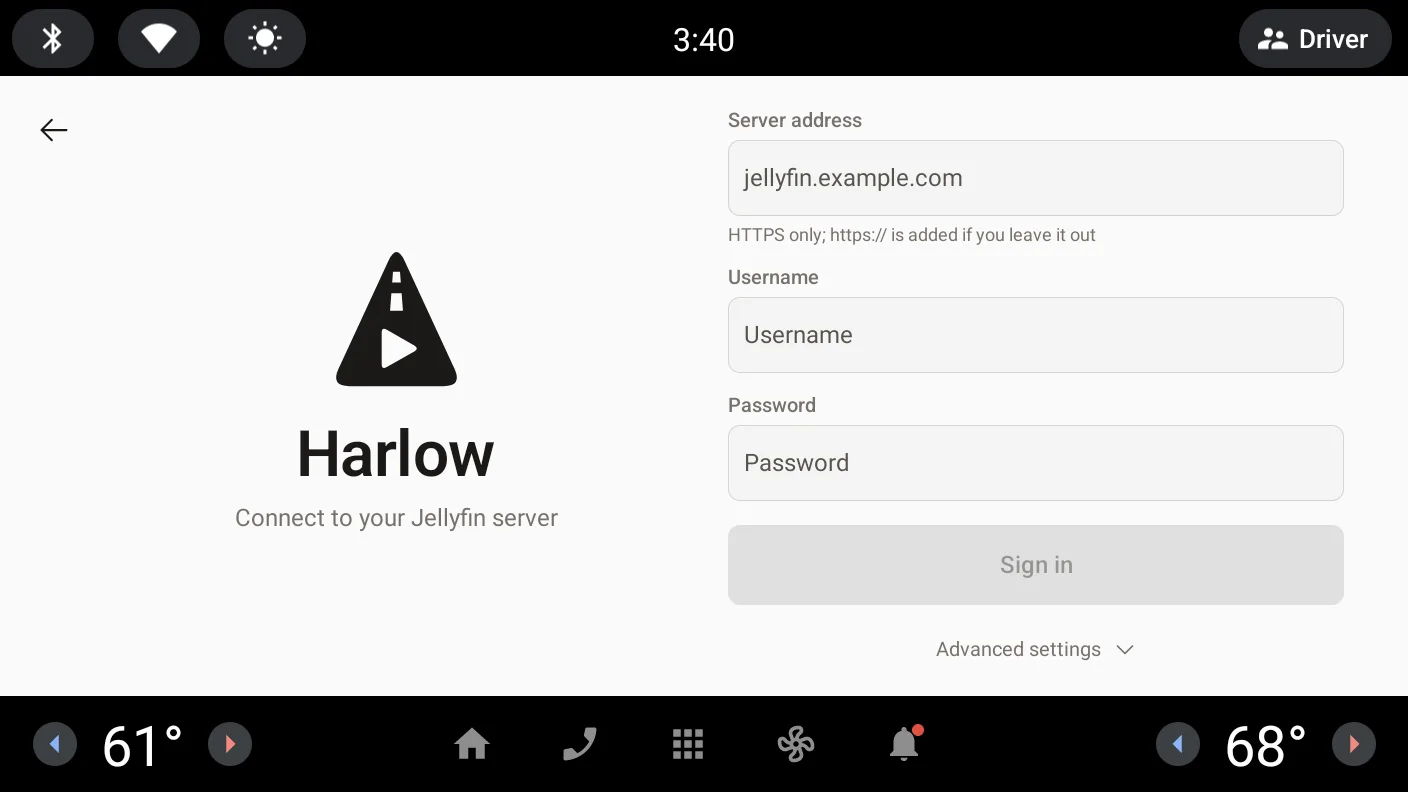
While signed out the media center shows “Sign in”. Your Jellyfin user appears as an account in the car's settings and can be removed there.
Private by design
Harlow only talks to your Jellyfin server, over HTTPS. No ads, no analytics, no crash reporting, no account with us.
Screenshots
Taken in the Android Automotive OS emulator (1408 × 792). The media center's look depends on the vehicle manufacturer.
Getting started
You need your own Jellyfin server, reachable over HTTPS from the car.
- Install Harlow from your vehicle's app store.
- Open the media center and choose Harlow as the source.
- Tap “Sign in” and enter your server address, username and password (only while parked).
- Harlow syncs your library in the background. Start listening right away.
Details
- Platform
- Android Automotive OS (cars with Google built-in or HARMAN Ready Link)
- Server
- Jellyfin, reachable over HTTPS (tested with Jellyfin 10.11)
- Permissions
- Internet and network state, background playback, background sync. No location, microphone or contacts.
- Ads & purchases
- None: no ads, no in-app purchases
- Privacy
- Privacy policy